Canel Laser Engrave File Review: A Practical Look at High-Resolution Grayscale Assets for Laser Projects
In the rapidly expanding world of digital fabrication and laser engraving, the quality of source files is often the single most critical factor determining the success of a final product. For creators using machines like Glowforge, xTool, Sculpfun, or CO2 laser systems, the transition from a digital design to a physical object relies heavily on how well the software interprets tonal data. This is where specialized assets like the Canel Laser Engrave File come into play. Designed specifically for grayscale coloring and intricate detailing, this collection offers a robust solution for professionals and hobbyists alike who demand precision in their woodcrafts, home decor, and commercial goods.
Understanding the Core Concept: Why Grayscale Matters
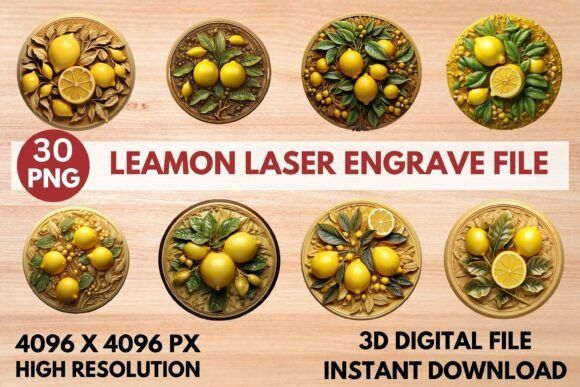
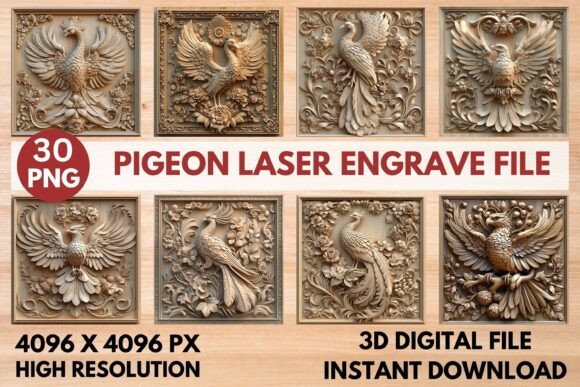
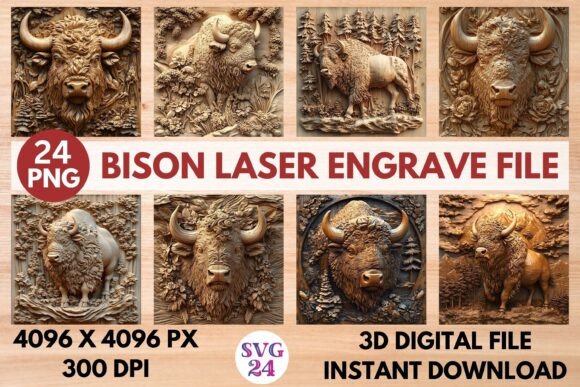
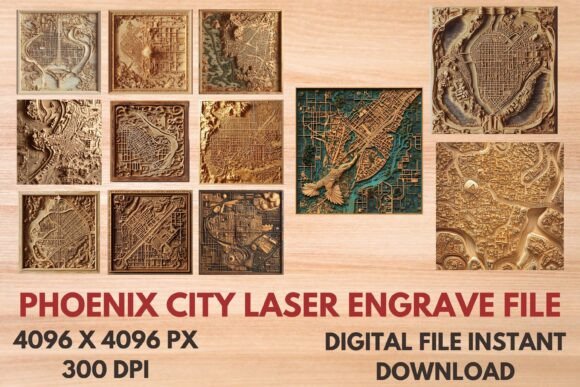
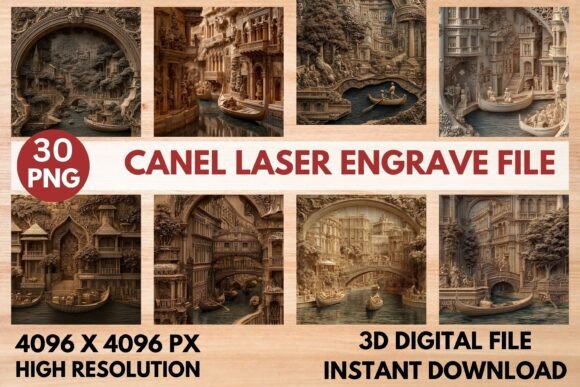
Traditional vector formats like SVG are excellent for cutting paths and simple etching, but they lack the nuance required for photorealistic shading or complex tonal gradients. Laser engravers operate by varying power and speed to create depth and contrast on materials like wood, acrylic, and leather. To achieve smooth transitions between light and dark areas, designers must use high-resolution raster images mapped to grayscale values. The Canel Laser Engrave File addresses this need directly by providing 4096x4096 pixel PNGs that are optimized for dithering algorithms.
The file set includes two distinct components: fifteen coloring PNGs and fifteen grayscale PNGs. While both serve similar visual purposes, their application differs slightly in workflow. The grayscale files are pre-mapped for optimal shading when used with dithering filters, such as the Jarvis filter recommended in the documentation. This ensures that the laser machine interprets the image not just as black and white pixels, but as a continuous range of tones. For users unfamiliar with the technicalities of laser rasterizing, this distinction is vital. It reduces the trial-and-error phase often associated with importing complex designs, allowing for more consistent results right out of the box.
Technical Specifications and Compatibility
One of the primary strengths of the Canel Laser Engrave File lies in its adherence to industry-standard resolutions. At 4096x4096 pixels, these files provide sufficient detail density to prevent pixelation even when scaled down for smaller items like jewelry tags or stationery. Conversely, they can be expanded for larger projects without significant loss of clarity, provided the source material supports upscaling. The transparent background feature is another practical addition, allowing designers to layer these intricate canel patterns over other textures or backgrounds within software like LightBurn or Adobe Illustrator before exporting to the laser cutter.
Compatibility is a major concern for users investing in digital assets. These files are delivered as PNGs, which means they are compatible with virtually all laser control software that supports raster imaging. Whether you are running a Glowforge Pro, an xTool D1, or a desktop CO2 laser, the ability to import standard PNGs ensures that the Canel Laser Engrave File fits seamlessly into existing workflows. However, it is important to note that these are not editable vector paths. Buyers seeking to modify the line art itself will find limited flexibility compared to SVG files. Instead, the value here lies in the ready-to-print nature of the high-resolution bitmap, which saves time on manual tracing or vectorization.
Optimizing Workflow with Recommended Settings
To get the most out of the Canel Laser Engrave File, understanding the recommended machine settings is essential. The provided documentation suggests specific parameters for Glowforge users, including a speed of 1000, power at 90%, and grayscale mode enabled. Setting the LPI (Lines Per Inch) to 270 helps balance detail retention with engraving speed, while using light wood as the substrate enhances the natural contrast of the engraved lines.
- Software Configuration: When using LightBurn, applying the Jarvis dithering filter is crucial. This algorithm distributes quantization errors across neighboring pixels, creating the illusion of smoother gradients. Without proper dithering, the intricate details of the Canel pattern may appear blocky or muddy.
- Material Selection: The effectiveness of these files is highly dependent on the material used. Light woods such as basswood, maple, or birch offer the best canvas for these high-contrast designs. Darker woods may require power adjustments to ensure the lighter gray tones remain visible against the natural grain.
- Testing Protocols: Although the settings are optimized, every machine has slight variations in lens focus and laser intensity. It is advisable to run a small test patch on scrap material before committing to a full production run. This step confirms that the 90% power setting does not burn through thin materials and that the 1000 speed allows for adequate heat accumulation.
Practical Applications and Market Viability
The versatility of the Canel Laser Engrave File makes it suitable for a wide array of commercial and personal projects. For small business owners producing home decor, these files can be applied to cutting boards, wall art, and picture frames. The intricate nature of the designs adds a premium feel to otherwise simple wooden objects, potentially increasing perceived value and allowing for higher price points in the marketplace.
Educators and makerspaces also benefit from the ease of use. Since the files are high-resolution and ready to print, instructors do not need to spend class time troubleshooting low-quality graphics or teaching students how to convert vectors to bitmaps. Students can focus on learning machine operation, material handling, and finishing techniques. Similarly, marketers and branding specialists might use these patterns for custom packaging, labels, or textile prints, leveraging the transparency of the PNGs to integrate the design into broader brand identities.
Limitations and Considerations for Buyers
While the Canel Laser Engrave File offers significant advantages, potential buyers should be aware of certain limitations. As a digital-only product, there is no physical item to inspect prior to purchase. Additionally, because the files are not vectors, they cannot be easily resized without losing resolution if scaled beyond their original dimensions. Users working on extremely large-format projects may need to stitch multiple tiles together, which requires additional planning and alignment effort.
Furthermore, the non-editable nature of the PNGs means that minor tweaks to the design structure are not possible. If a user needs to remove a specific element or change the shape of a motif, they would need to rely on external photo editing software, which can degrade image quality. Therefore, this asset is best suited for users who are satisfied with the provided composition and are looking for high-fidelity reproduction rather than custom modification.
Final Assessment
For serious hobbyists and professionals seeking reliable, high-detail assets for laser engraving, the Canel Laser Engrave File represents a solid investment. Its combination of 4K resolution, specific grayscale optimization, and clear usage instructions minimizes technical friction and maximizes creative output. By focusing on what laser engraving does best—capturing tone and texture through controlled burning—this file set delivers professional-grade results across various substrates. While it requires an understanding of raster processing and appropriate material selection, those who invest the time to learn the recommended settings will find a versatile tool that enhances the quality and consistency of their laser projects.