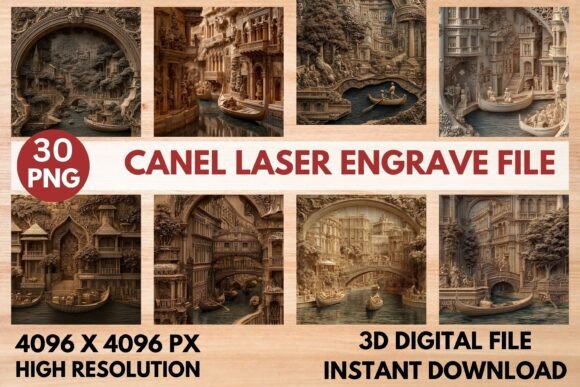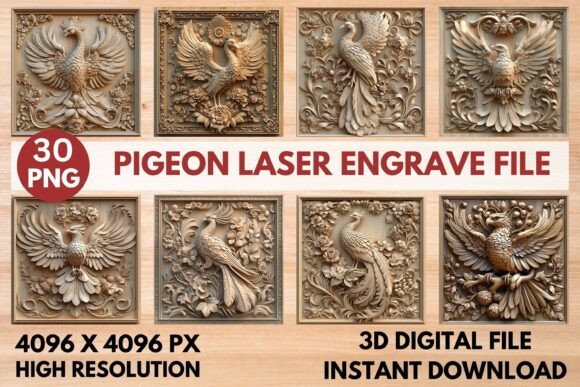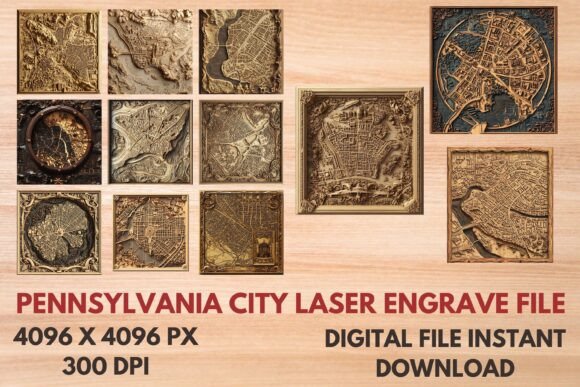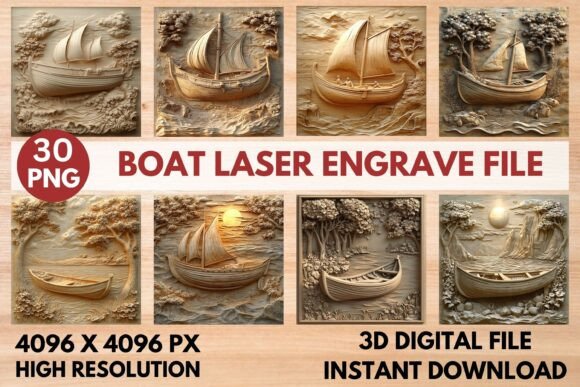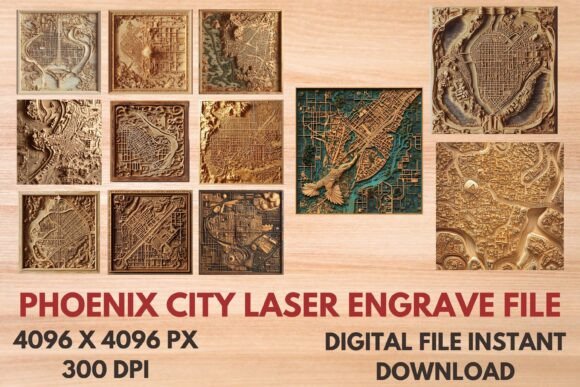
Phoenix City Laser Engrave File – High-Quality Designs for Custom Projects
For creators, entrepreneurs, and hobbyists looking to elevate their laser engraving projects, the Phoenix City Laser Engrave File is a powerful digital resource. This collection of ready-to-use designs offers an impressive range of high-resolution PNG and SVG files that are perfect for personalizing products across multiple industries. Whether you're crafting custom home decor, designing stationery, or enhancing tableware, these files provide a professional and artistic edge with minimal effort.
What You Get in the Phoenix City Laser Engrave File Collection
After purchasing the Phoenix City Laser Engrave File, you'll receive a zip file containing a comprehensive set of assets designed for both detail-oriented and quick-turnaround projects. The package includes:
- 12 Coloring PNG Files at 4096x4096 resolution and 300dpi for vibrant, sharp engravings
- 12 Coloring SVG Files for scalable use on various materials
- 12 Black and White PNG Files also at 4096x4096 and 300dpi, ideal for contrast-heavy applications
- 12 Black and White SVG Files offering clean outlines and easy customization
- All images come with a transparent background, allowing seamless integration into any project
While the files are not editable in terms of color layers or vector manipulation, they are optimized for laser engraving tools and compatible with most software used in the industry. Users should note that resizing will be necessary to fit their specific product dimensions, but the scalability of SVGs makes this process straightforward.
Why Use Phoenix City Laser Engrave Files?
Laser engraving has become a go-to method for adding personalized touches to everyday items. However, sourcing high-quality, royalty-free, and design-ready files can be time-consuming. The Phoenix City Laser Engrave File eliminates that hassle by providing professionally crafted, print-ready content that's immediately usable.
The standout features include ultra-high resolution (perfect for intricate details), transparent backgrounds for flexibility, and a mix of color and black-and-white options to suit different aesthetic preferences. These qualities make them especially useful when creating products like wooden plaques, glassware, fabric prints, or even promotional items with a unique visual appeal.
Practical Applications Across Industries
These files are incredibly versatile and can be applied in a wide variety of contexts. Here’s how professionals and enthusiasts alike can leverage them:
Home Decor & Furniture
Woodworkers and DIY enthusiasts can use the Phoenix City Laser Engrave File to create custom wall art, cutting boards, picture frames, or decorative signs. The high-resolution PNGs ensure that even the smallest details remain visible after engraving, while the SVGs allow precise tracing for depth and texture.
Stationery & Office Supplies
From engraved business cards to personalized notebooks and desk accessories, these designs bring a touch of sophistication to office spaces. Educators and freelancers might find it helpful to add subtle branding elements to pens, calendars, or journal covers using the included files.
Textile Printing
Designers in the fashion and textile industry can utilize the black-and-white SVGs for sublimation printing on fabric. Whether it's clothing, tote bags, or aprons, the clarity and precision of the Phoenix City Laser Engrave File help maintain the integrity of the design across different textures and materials.
Tableware & Glass Items
Crafting custom mugs, coasters, or wine glasses becomes effortless with these ready-to-print files. The transparent background ensures the design sits perfectly on curved or reflective surfaces without unwanted borders or distortions.
Packaging & Branding Materials
Entrepreneurs and marketers can incorporate these files into packaging for a refined look. Think engraved labels on jars, bottle caps, or gift boxes. With 12 variations available, you can rotate designs seasonally or for different product lines to keep your brand fresh and engaging.
Efficiency and Professional Results
One of the biggest advantages of using the Phoenix City Laser Engrave File is the time saved in the design process. Instead of spending hours creating or sourcing suitable artwork, users can focus on production and client interaction. The consistent quality across all files ensures that every project maintains a polished appearance, which is essential for building trust and professionalism—especially in commercial settings.
Additionally, the transparent background feature simplifies layering and positioning, making it easier to align the design precisely on the chosen material. For those working with laser cutters or engravers, this means fewer adjustments and more accurate output, reducing waste and increasing efficiency.
Real-World Examples and Use Cases
Imagine a small business owner who sells handmade candles in custom glass containers. By applying one of the Phoenix City Laser Engrave File's PNGs directly onto the glass surface, they can give each candle a unique label or pattern that stands out on store shelves. Similarly, a wedding planner could use the SVG files to engrave personalized thank-you notes on wooden tags, adding a rustic yet elegant finish to favors and invitations.
In the educational sector, teachers might use the black-and-white versions for engraving classroom rules or motivational quotes onto wooden name plates or acrylic display boards. The clarity of the designs ensures readability while maintaining a professional look.
Choosing the Right File Format
When selecting between PNG and SVG formats, consider your equipment and workflow. PNG files are excellent for direct image transfers where pixel-level detail matters, such as photo-realistic engravings or complex patterns. SVG files, on the other hand, are ideal for scalable, clean-line work, particularly when engraving text or geometric shapes. Both formats are optimized for laser compatibility, so choose based on your specific project needs.
Also, remember that the buyer is responsible for resizing the design. While this gives control over the final output, it requires some basic understanding of image scaling. Most engraving software allows non-destructive resizing, so always double-check the proportions before starting a job to avoid distortion.
Best Practices for Implementation
To get the most out of your Phoenix City Laser Engrave File, follow these tips:
- Preview on Material: Before engraving, test the design on a scrap piece of the same material to check alignment and depth.
- Adjust Power Settings: Different materials may require varying laser power and speed settings. Consult your machine’s manual or conduct trial runs for optimal results.
- Layer Thoughtfully: If combining multiple designs, ensure transparency is maintained so overlapping doesn’t compromise the visual effect.
- Optimize File Size: Although the original files are high resolution, downscaling appropriately can prevent unnecessary processing time during engraving.
Maximizing Value in Your Work
For creative professionals and small businesses, having access to pre-made, high-quality laser engrave files like those in the Phoenix City collection can significantly boost productivity. They reduce the need for hiring graphic designers or outsourcing artwork, saving both time and money. Additionally, the ability to quickly switch between color and black-and-white options gives you more creative freedom depending on the material and lighting conditions.
If you're involved in e-commerce, these files can enhance your product listings by showcasing customizable options. Customers love seeing personalized choices, and including Phoenix City Laser Engrave File-based items in your catalog can increase engagement and conversion rates.
Recommendations for First-Time Buyers
If you're new to laser engraving or just expanding your design library, start by experimenting with one or two designs from the Phoenix City Laser Engrave File. Try engraving on a simple wood plaque or glass mug to understand how the design interacts with different surfaces. As you gain confidence, you can begin incorporating more intricate patterns or layering multiple files for a multidimensional look.
Always ensure your engraver is properly calibrated. A well-maintained machine paired with high-quality files yields the best results. And don’t forget to back up your purchased files securely—they’re digital assets that can be reused across many future projects.
Conclusion: A Must-Have for Laser Engraving Projects
The Phoenix City Laser Engrave File is more than just a bundle of images—it's a toolkit for creativity and consistency. Whether you're engraving for a boutique, a school project, or a personal passion, these files offer a reliable foundation to build upon. Their versatility across materials and industries makes them an invaluable addition to any laser artist's repertoire.
With 12 color and black-and-white options, transparent backgrounds, and professional-grade resolution, this collection empowers users to deliver stunning, customized products with ease. So if you're ready to streamline your design process and elevate your engraving game, the Phoenix City Laser Engrave File is an investment worth considering.